
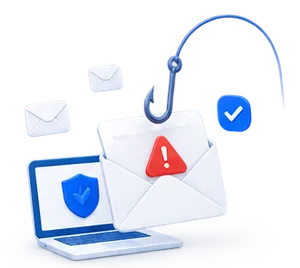


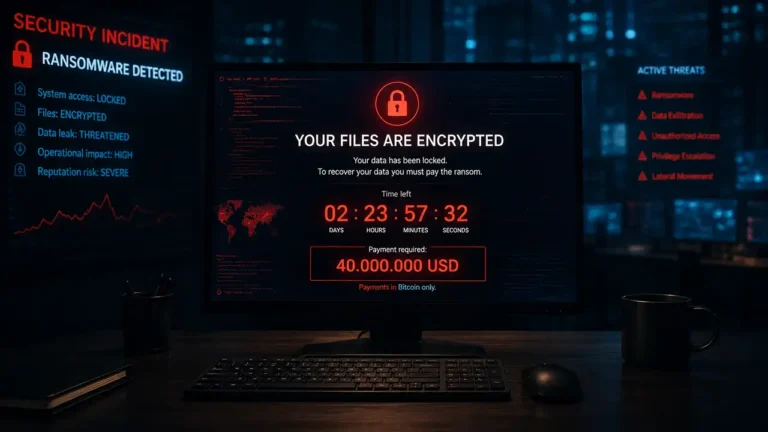
Imagine this: A colleague clicks on a seemingly harmless link in an email. Minutes later, the company’s network is compromised. It sounds like a worst-case scenario, doesn’t it? But the reality is that phishing is one of the most widespread and effective forms of attack against Danish companies, and it can happen even to the most security-conscious teams.
So, what actions should you take when confronted with such an incident?
Here is a practical guide on how to avoid phishing, spot fake emails, and take the right steps if an employee has opened, clicked on, or replied to a phishing email.
Start here: Understanding Phishing – and Why It Works
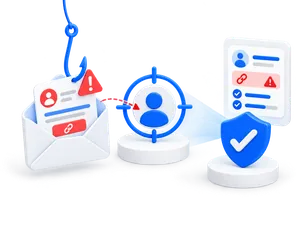
Phishing is all about manipulation. Ascammer pretends to be a trustworthy sender—such as a bank, a colleague, a supplier, or a government agency—and tries to get the recipient to click on a link, open a file, or share information.
This is social engineering in its purest form. That is why phishing is not just a technical problem. It also has to do with being busy, trust, routines, and clear internal processes.
In practice, phishing can look like a perfectly ordinary work-related task: an invoice, a login notification, a message from management, a software update, or a request from a business partner. That is why employees need to learn to evaluate the sender, the link, the timing, and the context.
How to Spot Phishing
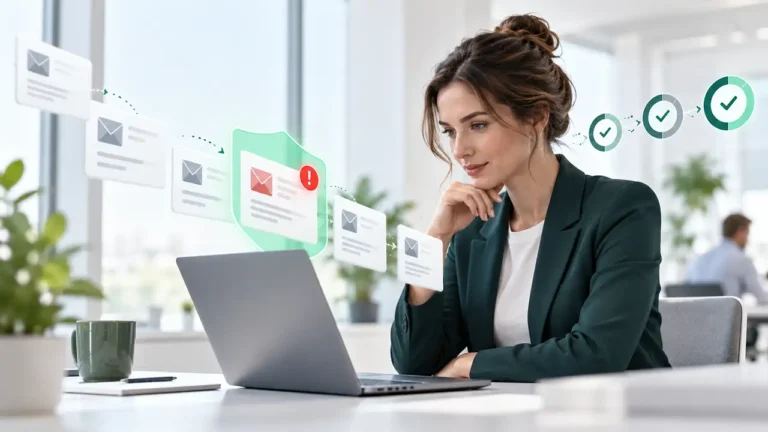
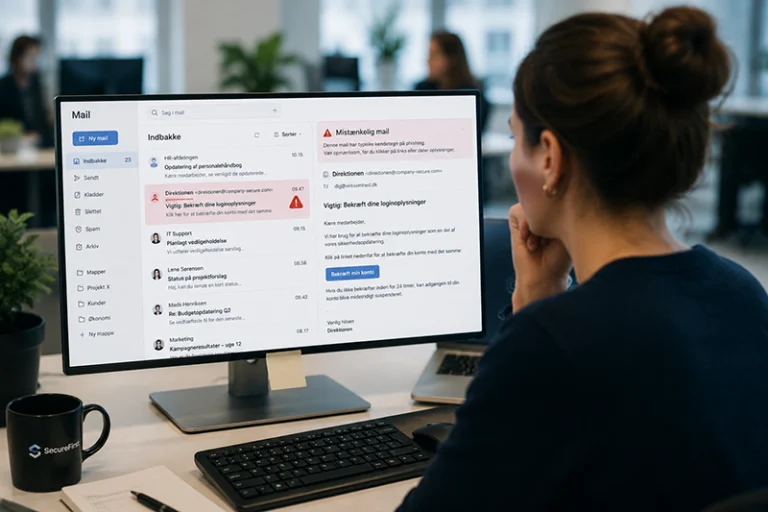
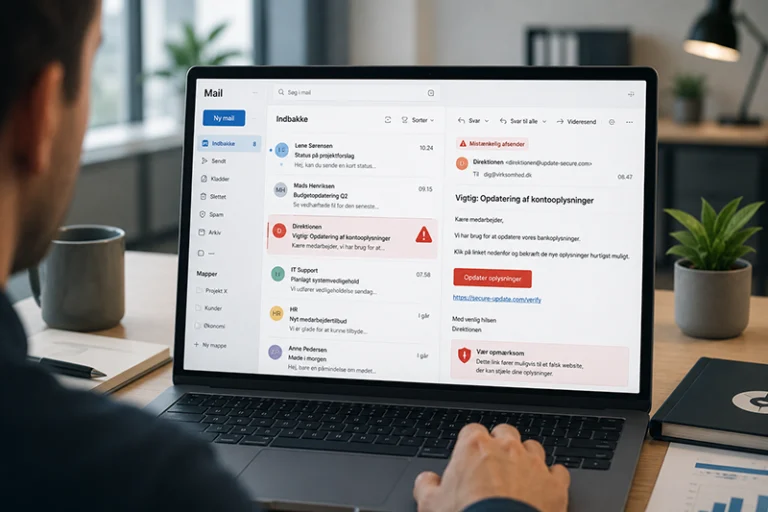
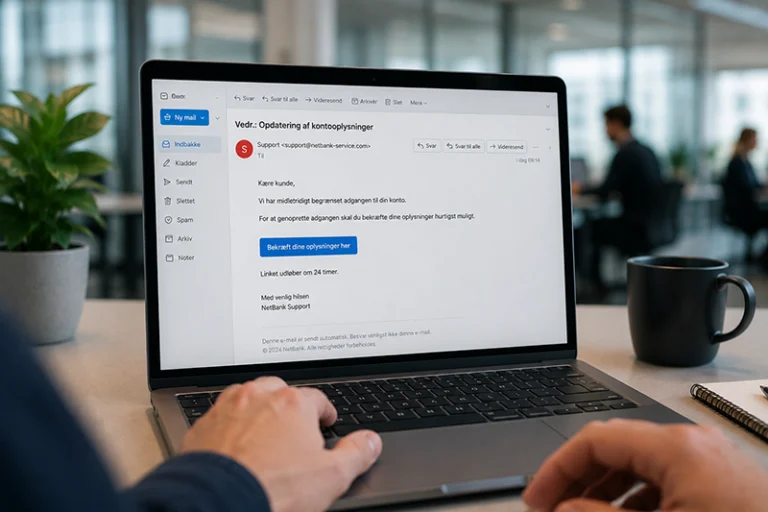
Phishing emails are becoming more convincing. Many are written in proper Danish, use familiar logos, and address situations that employees encounter in their daily work. That’s why you shouldn’t just look for spelling mistakes. You should also consider whether the message aligns with your normal procedures.
You might not detect it immediately. However, there are indicators that warrant immediate action:
- A colleague reports clicking on a suspicious link
- Unexpected login attempts or access requests
- Sudden transfer of files or funds
- Emails sent from the company's domain that were not authored by anyone
- Antivirus or security systems alert about malware
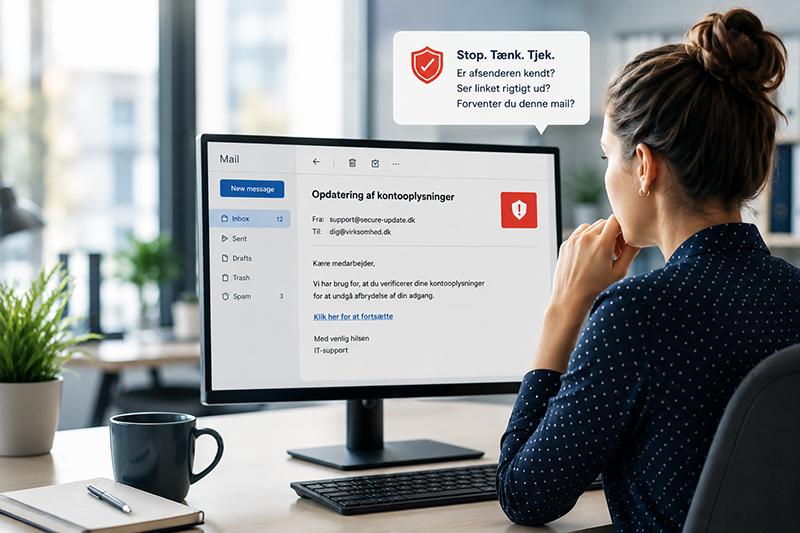
Other typical signs include emails that create a sense of urgency, ask for passwords or payment information, contain a link to an unknown website, or have an unexpected attachment. If something feels off, the employee should pause and report the email.
A phishing email is rarely just about a link. That’s why suspicious emails should always be reported, even if the employee has only opened the email. The IT department can investigate whether others have received the same message and whether there are signs of a broader campaign.
The most important thing is that employees shouldn’t have to guess. There needs to be a clear and simple process for what to do when something seems suspicious.
“I’ve Been Phished” – What to Do Next?
Panic is natural. But this is also where your ability to take action really matters. Here is your response plan:
If an employee has clicked on a phishing link, opened a suspicious file, or shared information, you should respond quickly and calmly. A single click doesn’t have to turn into a serious incident if it’s reported immediately.
1. Isolate the Affected System
Remove the compromised device from the network. Whether it’s wireless, wired, or via VPN—disconnect it. This will stop the spread. If the user only clicked on a link without downloading anything or logging in, IT can assess whether isolation is necessary.
2. Inform Your IT Team (or External Partner)
Time is of the essence. The faster your security team acts, the less damage will be done. If login credentials have been entered on a fake page, active sessions should also be reviewed.
3. Change Passwords – Immediately
Especially for critical systems: email, Microsoft 365, CRM, ERP. Use MFA (multi-factor authentication) if it is not already enabled. If login credentials have been entered on a fake page, active sessions should also be reviewed.
4. Scan for Malware and Backdoors
A phishing email rarely contains just a link. It often includes keyloggers, ransomware, or backdoors. Use a professional scan. This is especially important if the employee has opened an attachment, downloaded software, or enabled content in a document.
5. Investigate Other Affected Parties
The attack may be more widespread than initially thought. Check email traffic, login records, and any compromised files. Also verify whether the same email was sent to other departments and whether there has been any unusual activity from the user’s account.
6. Contact the Danish Data Protection Agency (if applicable)
If there has been a personal data breach (as defined by the GDPR), you are required to report it. Learn more atdatatilsynet.dk. You should therefore quickly assess whether personal data may have been compromised and document your decision.
7. Document and Learn from the Incident
Take notes, save logs, and plan your next training session. What went wrong? How can you prevent it from happening again? This documentation can be used for management, insurance, compliance, and improving your internal processes.
What if the employee has responded to a phishing attempt?
As a general rule, you should not reply to phishing emails. A reply may confirm that the email address is active, which could allow the scammer to continue the conversation.
If the question has already been answered, the employee should end the conversation, contact IT, and refrain from sending any further information. If the email appears to come from a known person or company, the sender should be contacted through a trusted channel—not via the contact information provided in the suspicious email.
Why do even well-managed organizations fall victim?
Good question. Because phishing exploits not only technical vulnerabilities but human ones as well. A tired employee on a Friday afternoon. A new intern. Or a manager who’s in too much of a rush.
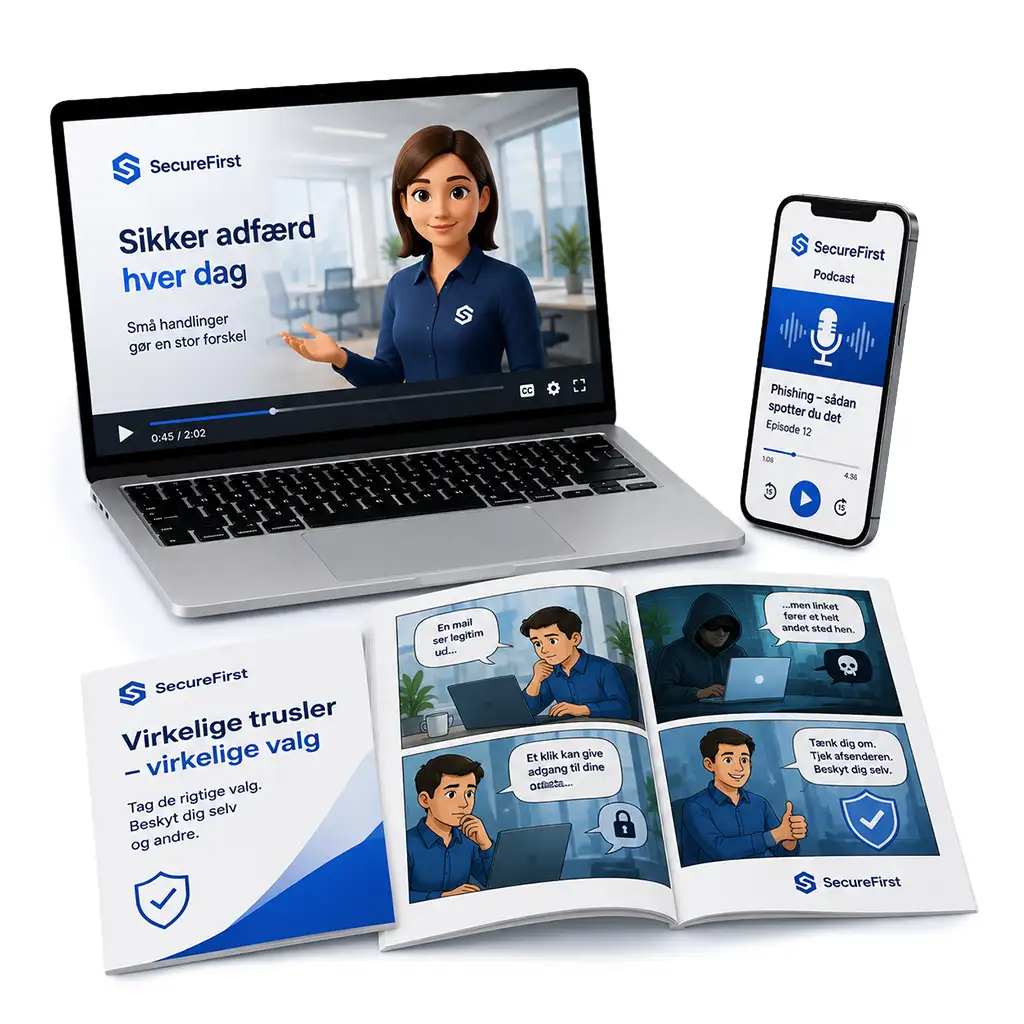
Unlike firewalls and antivirus software, you can’t patch human behavior. You have to train it. That’s why we atSecureFirstoffer customizedphishing trainingcourses where employees learn to recognize, assess, and respond correctly to phishing attempts. That’s why phishing protection shouldn’t just be about filters. It should also be about security culture, feedback, and repetition over time.
When employees learn to pause, check the sender, and report suspicious emails, phishing becomes an area you can address on an ongoing basis, rather than just reacting after the damage has been done.
Here's how you can train employees to avoid phishing
Employees are better able to spot phishing when the training is practical and relevant to their daily work. A single annual review or a long PDF full of rules is rarely enough.
That is why we at SecureFirst offer phishing training with realistic scenarios, constructive feedback, and reporting, so you can train your employees to recognize, assess, and respond appropriately to phishing attempts.
The training should use examples that employees actually encounter: fake invoices, Microsoft 365 logins, HR emails, messages from management, emails from suppliers, and shared documents. This makes it easier to recognize the warning signs in real-life situations.
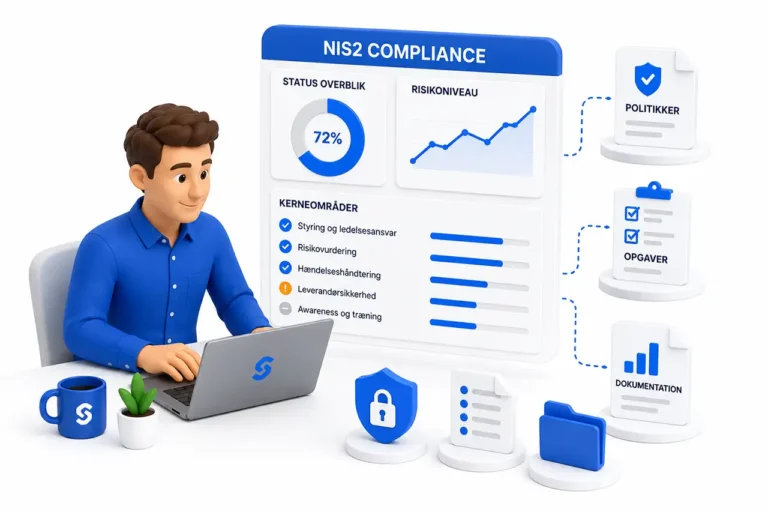
With SecureFirst, you can consolidate awareness training, phishing simulations, reporting, and documentation in one place. This makes it easier to track progress over time and document your efforts for management, customers, insurance providers, or compliance authorities.
Recommendations for Proactive Risk Mitigation
- Implement Multi-Factor Authentication (MFA) across all critical systems.
- Conduct regular security awareness training.
- Review and optimize your email filters and SPF/DKIM/DMARC configurations.
- Develop an incident response plan and test it at least annually.
- Establish a clear reporting channel for employees to report suspicious emails.
Conclusion: A single click is a possibility – but the severity of the impact hinges on your response.
Phishing happens. But how bad it gets depends on how quickly and effectively you act. That’s why you should focus on prevention, reporting, response plans, and ongoing training.
The more prepared your company is, the stronger your position will be. With a clear process and training that’s closely aligned with your employees’ daily work, you can reduce the risk and respond faster when a suspicious email lands in their inbox.
If you have the right knowledge, the right setup, and the right partner, you’re already one step ahead.
Should you require expert consultation or wish to enhance your organization's readiness, please contact us directly via our contact form, or learn more about our phishing awareness training here.
We provide practical knowledge, extensive experience, and effective solutions.