








Phishing remains one of the most common ways for cybercriminals to gain access to companies. Even though spam filters, firewalls, and security systems are getting better, fake emails can still end up in employees’ inboxes. That’s why phishing training isn’t just about technique. It’s about helping employees develop simple habits so they can pause, recognize warning signs, and report suspicious emails before a single click turns into an incident.
Effective phishing training combines knowledge, realistic exercises, constructive feedback, and ongoing follow-up. It shouldn’t feel like a trap for employees, but rather a safe way to practice dealing with the situations they encounter in their daily work.
In this article, you’ll get a detailed overview of how phishing training works, what it should include, what mistakes to avoid, and how to measure whether the training is making a difference.
What is phishing training?
Phishing training is designed to teach employees how to recognize, handle, and report phishing emails. The goal is to reinforce employees’ practical skills so that they not only know what phishing is, but also know what to do when a suspicious email lands in their inbox.
Phishing training can consist of several components:
- short awareness modules
- specific examples of phishing emails
- phishing simulations
- quizzes or short tests
- immediate feedback
- reporting to IT and management
- click tracking, reporting, and trends over time
In international workplaces, it is often referred to as "phishing awareness," "phishing awareness training," or "phishing training." In Danish, terms such as "phishing training," "phishing simulation," and "awareness training" are also used.
The name isn't what matters most. What matters most is that the training helps employees respond appropriately when the time comes.
Why is phishing training important?
Phishing works because scammers exploit busyness, trust, and habits. An employee might receive an email that looks like a message from Microsoft 365, a vendor, HR, the finance department, or management. If the email seems credible, it can be hard to tell that something is wrong.
A single click can lead to:
- stolen login credentials
- misuse of email accounts
- fake invoices
- updated payment information
- data breach
- malware or ransomware
- additional work for IT and management
- the need to provide documentation to customers, insurance companies, or government agencies
Phishing training helps employees better spot warning signs, but it also gives the company a clearer picture. You can see where the risk is highest, what types of emails are causing problems, and whether employees are getting better at reporting suspicious messages.
Here's how phishing training works, step by step
Phishing training is most effective when it is simple, ongoing, and relevant to employees’ daily work. Here is a typical training program.

1. Start by defining the purpose
Before you send the first phishing simulation, you should clarify what you want to achieve.
For example, this could mean:
- Reduce clicks on phishing emails
- Increase reporting to IT
- Train specific muscle groups
- Raise employee awareness of supplier fraud
- Document training for management, clients, or cyber insurance
- Strengthen the safety culture across the company
This is important because phishing training should not be a standalone exercise. It should be part of your overall efforts in IT security, awareness, and documentation.
2. Employees will receive a brief explanation
Phishing training is most effective when employees understand why it is being conducted. They need to know that the training is not about pointing out mistakes, but about helping the company better detect and handle fraud attempts.
A good introduction can explain what phishing is, why it’s relevant to the company, how to report suspicious emails, what happens if you click on a link in a simulation, and how the results are used for learning and improvement
This creates a sense of security and makes it easier for employees to take the training seriously.
You send realistic phishing simulations
A phishing simulation is a controlled test in which employees receive a realistic but harmless phishing email. The email may resemble something an employee might encounter during a typical workday.
Examples include:
A fake Microsoft 365 email
An email about MFA or a password
A fake invoice
A message from HR or Payroll
A delivery email
An invitation to a shared document
A message that looks like an internal request from management
The goal is not to trick employees just to point fingers. The goal is to train their response in a safe environment.
Read more about phishing simulations here.
4. The employee responds to the email
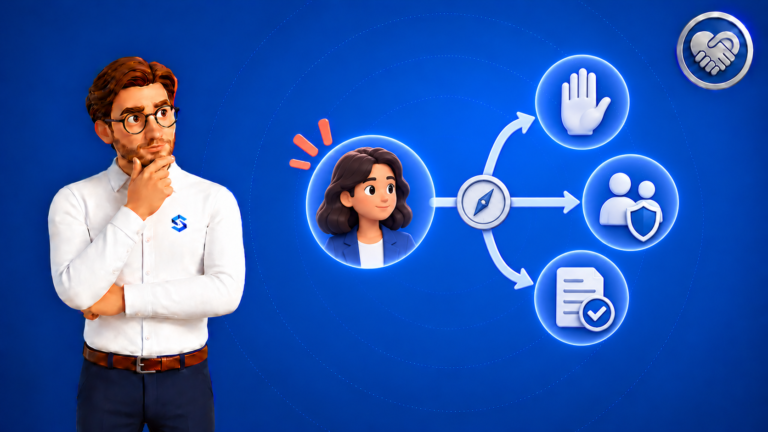
When the employee receives the email, three things typically happen:
- The employee ignores the email.
- The employee clicks on the link.
- The employee reports the email as suspicious.
All three responses provide valuable insights. The "Click" option indicates where the employee or organization may need additional training. The "Report" option shows that the employee not only recognizes the email but also knows what the next step is.
Reporting is particularly important. In reality, simply avoiding clicking on links isn’t enough. Employees also need to know how to forward suspicious emails to IT so that the rest of the organization can be protected.
5. Feedback is provided immediately
Feedback is one of the most important parts of phishing training. If an employee clicks on a link in a simulation, they should immediately receive a calm explanation of what gave the email away.
The feedback may show, for example:
- The return address did not match
- The link led to an unknown domain
- The email caused unnecessary haste
- The message asked for login credentials
- That the wording did not align with standard internal procedures
Feedback should be specific and helpful. It should not be shaming, harsh, or patronizing.
When learning takes place immediately after the event, the situation is still fresh in the employee’s mind. This makes it easier for the employee to recognize the same type of signs the next time.
6. IT and management gain an overview
Phishing training should not only educate individual employees; it should also provide the company with an overview.
You should be able to follow along:
- How many people click
- How many people report
- Which types of emails cause the most problems
- Which departments need more training
- What the trend looks like over time
- Whether awareness training and phishing simulations improve behavior
This makes it easier for IT to prioritize its efforts and for management to understand where the company stands.
7. The training is repeated on an ongoing basis
Phishing is constantly evolving. That’s why a single annual training session is rarely enough. Employees need short, repeated exercises that address the threats they face in their daily work.
That doesn’t mean they should be overloaded with training. On the contrary. Too much training, especially if it’s too repetitive, can lead to fatigue and make employees less attentive.
The ideal process typically involves:
Concise and easy to understand
Relevant to employees’ roles
Based on realistic scenarios
Repeated at appropriate intervals
Linked to constructive feedback
Followed up with reporting and documentation
The goal is to develop good safety habits over time.
H2: What should effective phishing training include?
Effective phishing training should be more than just a single test email. It should combine learning, simulation, feedback, and documentation. A robust training program should include:
Realistic scenarios
Emails should resemble the situations employees actually encounter. For example, an accounting staff member might encounter scenarios involving invoices and suppliers, while HR might receive emails regarding payroll, vacation, or employee data.
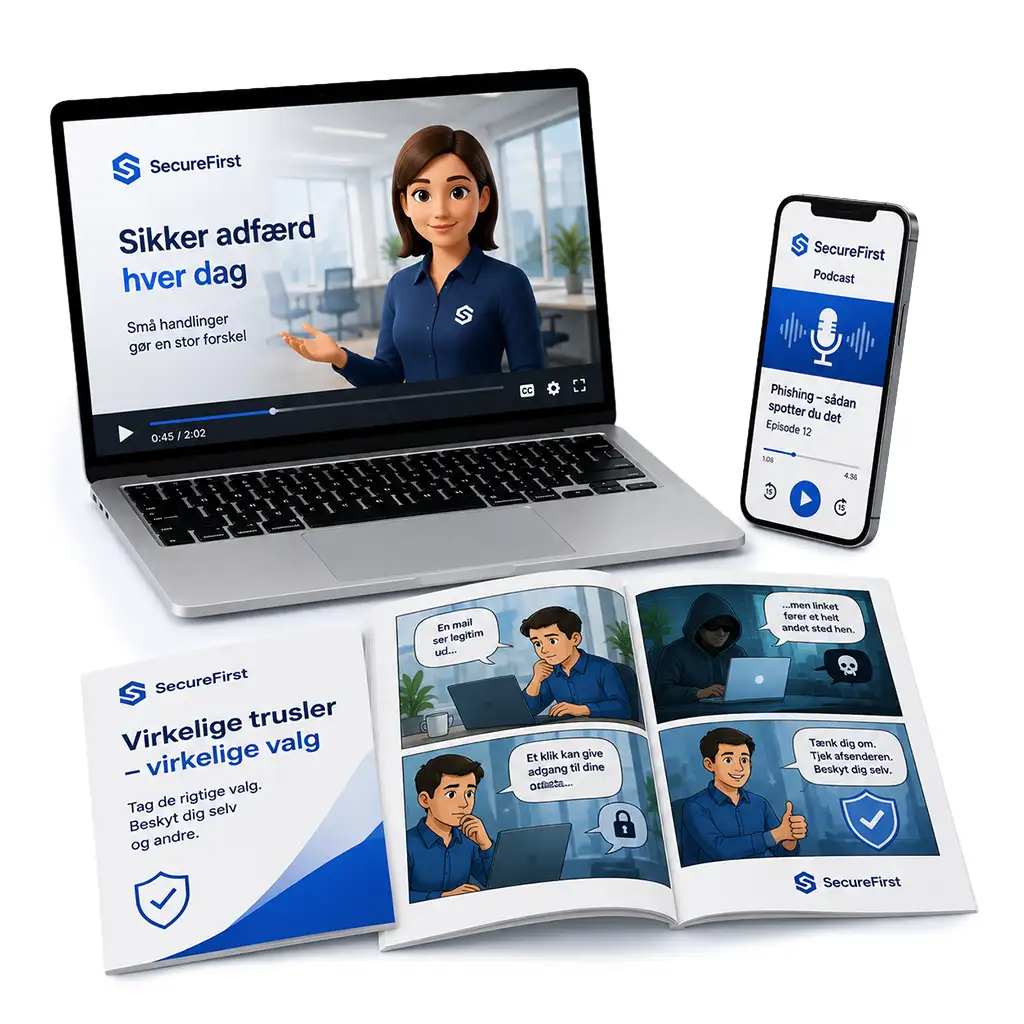
Short learning modules
Awareness training should be easy to fit into a busy workday. Short modules make it easier to stay focused.
Instant feedback
Employees learn best when feedback is provided immediately after the action. If they click, they should immediately understand which signs they missed.
Reporting
Employees need to know how to report suspicious emails. The process should be simple, clear, and free from fear of criticism.
Tracking over time
Click-through rate alone isn't enough. You should also track response rates, trends over time, and differences between departments.
Documentation
Training should be documented for management, the board of directors, customers, insurance companies, or compliance departments.
Phishing training and awareness: What's the difference?
Phishing training and awareness training are closely related, but they are not exactly the same thing.
Awareness training is broadly about enhancing employees' understanding of IT security, data, passwords, GDPR, AI, data breaches, and secure behavior.
Phishing training is specifically designed to help employees recognize, handle, and report phishing emails and similar scams.
The best results are achieved when the two are combined. Awareness training gives employees a basic understanding. Phishing simulations give them the opportunity to practice what they’ve learned.
Is phishing training required?
For many companies, phishing training is not just a matter of good security practices. It may also be relevant in relation to requirements from customers, cyber insurance, management, the board of directors, or compliance.
Some standards and frameworks emphasize awareness, a culture of security, and documentation of employee training. Therefore, it is advantageous to be able to demonstrate that you have a structured approach to phishing training and that your efforts are followed up with reports and improvements.
SecureFirst helps you make this process more manageable and easier to document, but phishing training should always be viewed as part of a broader security strategy.
How SecureFirst Helps with Phishing Training
SecureFirst helps you make phishing training practical, measurable, and easy to document. You get realistic phishing simulations, awareness training, and reporting all in one place, so you can improve employee behavior without overburdening IT, HR, or management.

With SecureFirst, you can:
- Advanced automated phishing tests
- Train employees using realistic emails
- Provide immediate and constructive feedback
- Track click-through rates, reporting, and trends over time
- View results across the organization
- Combine phishing training with awareness training
- Document these efforts for management, customers, insurance companies, or compliance
- Combine training with data breach monitoring
This gives you a comprehensive overview of how employees respond, where the risks lie, and where additional training is needed.
Book a demo or try ourphishing module for free.