


Phishing emails are one of the most common forms of digital fraud targeting businesses. They often look like ordinary emails from a bank, Microsoft 365, a supplier, a shipping company, HR, or a colleague. But the goal is to trick employees into clicking a link, opening a file, sharing passwords, or approving an action that could give scammers access to data, money, or systems.
The problem is that phishing emails don’t always look suspicious. Many are written in proper Danish, use familiar logos, and address situations that employees encounter in their daily work: an invoice, a package, a login notification, a pay update, or a request from management.
Here is a simple explanation of what a phishing email is, 10 specific signs you should look out for, and what you should do if an employee clicks on a link.
What is a phishing email?
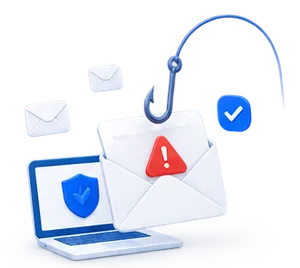
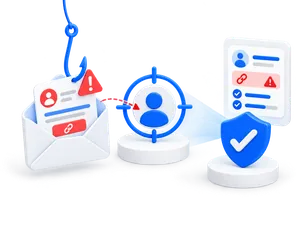
A phishing email is a fake email in which cybercriminals pretend to be a trustworthy sender. The goal is to get the recipient to do something that helps the scammers achieve their objectives.
This could involve, for example:
clicking on a link
opening an attachment
entering a password on a fake login page
sharing payment information
approving an invoice
changing the supplier’s account number
sending confidential information
Can you spot a phishing email?
Try our game here?

In the workplace, phishing emails often revolve around finances, logins, HR, payroll, packages, customers, suppliers, and internal approvals. That’s why phishing isn’t just a technical problem. It’s also about habits, a hectic workload, trust, and clear internal processes.
What does a phishing email look like?
A phishing email is often formatted like a regular email. It has a sender, a short message, a problem or a task, and a call to action to do something quickly.
A typical phishing email may contain:
a logo from a well-known company
an email address that resembles the real one
a message about a problem, e.g., “your account is expiring”
a link to a fake login page
an attachment, e.g., a fake invoice
a button with text such as “Log in,” “Confirm,” “Pay” or “View document”
wording that creates a sense of urgency or pressure
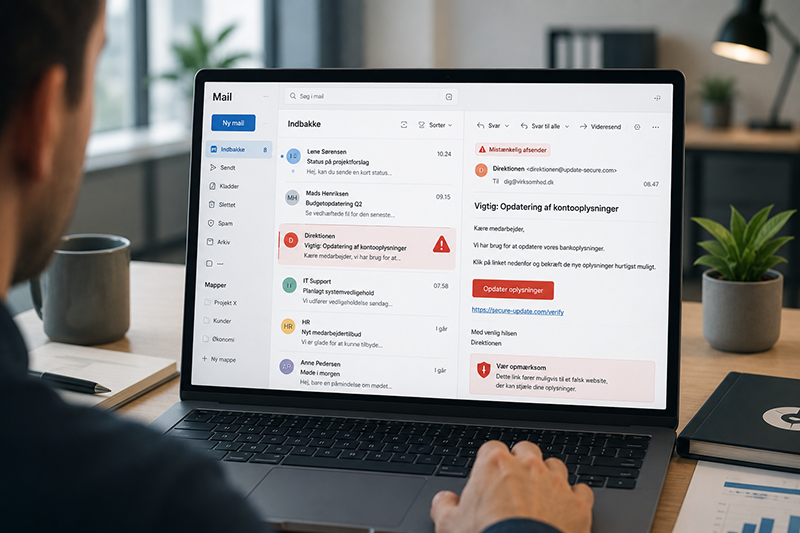
Here is an example of what a typical phishing email might look like:
Subject: Action Required: Verify Your Microsoft 365 Account
Hello
We have detected unusual activity on your account. To avoid a temporary suspension, please verify your account within 24 hours.
Click here to verify your login.
It may sound convincing. But if the link leads to a fake website, the scammers can gain access to the employee’s login credentials. But how can we learn to recognize these emails, and what are the typical signs that it’s a phishing email?
10 Signs of Phishing Emails
Phishing emails can be hard to spot, but there are typical warning signs that employees should be aware of. The more specific the signs are, the easier it is to pause before clicking.

1. The sender looks almost real
Phishing emails often use email addresses that look similar to the real ones. These may include minor changes to the domain, extra letters, hyphens, or characters that are easily overlooked.
Examples:
support@microsoft-security.com
postnord-kundeservice.com
firma-navn-betaling.com
Always check the entire email address—not just the sender's name.
2. The email creates a sense of urgency
Scammers want you to act quickly, before you have a chance to think it over.
Typical phrases include:
“Your account will be suspended”
“Payment is missing”
“Action required today”
“Last chance”
“Confirm within 24 hours”
A sense of urgency is one of the most common signs of phishing.
3. The link leads to an unknown page
An email may contain a link that looks legitimate but leads to a completely different website. On a computer, you can often hover your mouse over the link without clicking to see the actual web address.
If the web address doesn’t match the sender, you shouldn’t click it.
4. The email asks for passwords or payment information
Legitimate companies rarely ask for passwords, credit card information, or login details via email. If an email asks you to enter sensitive information via a link, you should be extra cautious.
5. There is an unexpected attachment
Attachments can be used to spread malware or trick the recipient into opening the content. Examples include files with names such as:
Invoice_2026.pdf
Payroll_Adjustment.xlsx
Payment_Reminder.zip
Contract_Update.docx
If you weren't expecting this file, you should verify the sender through another channel.
6. The message does not align with the standard procedure
Many phishing emails aren’t given away by spelling mistakes, but by the context. Ask yourself:
Would this sender normally ask for this?
Do we usually approve payments this way?
Would HR send payroll information like this?
Would IT ask for passwords via email?
If the process seems off, it's worth looking into the email.
7. The language sounds generic
Phishing emails often use generic phrases such as “Dear user,” “Dear customer,” or “Hello employee.” This isn’t always a sign of phishing, but it is a red flag, especially if the email also asks for information or urges you to act quickly.
8. The email plays on fear or curiosity
Scammers often use emotions to get the recipient to click. This could be fear of losing access, curiosity about a document, or pressure from a “manager.”
Examples:
“Your account has been compromised”
“View the attached complaint”
“Can you approve this payment now?”
“You have received a confidential document”
9. The email was sent at an odd time
An email from the director late at night with an urgent payment request should raise suspicions. The same applies to emails received outside normal business hours that require immediate action.
10. Something feels wrong
Employees should be allowed to trust their instincts. If an email feels off, it should be reported or verified through a trusted channel.
It’s better to ask once too many times than to click once too soon.
Examples of phishing emails in the workplace
Phishing in the workplace often occurs in situations where employees are used to acting quickly.
Fake Microsoft 365 email:
The email states that the employee’s account is about to expire, has been locked, or requires new MFA authentication. The link leads to a fake login page.
Typical goal: To steal login credentials.
Fake invoice from supplier
The email looks like an invoice from a well-known supplier. It may contain an attachment or new payment details.
Typical goal: To trick the company into paying into the wrong account.
Fake email from HR or Payroll
The email may concern payroll information, vacation time, the employee handbook, or tax information. It can be particularly effective because employees often trust communications from HR.
Typical goal: To gain access to personal data or login credentials.
Fake message from management
The scammer pretends to be a CEO, CFO, or manager and requests urgent payment, gift cards, confidential information, or changes to supplier data.
Typical goal: Financial fraud or access to sensitive information.
Fake shared document
The email looks like an invitation to a shared document in Microsoft, Google Drive, SharePoint, or DocuSign. The link leads to a fake login page.
Typical goal: To steal passwords.
Fake package or delivery email
The email claims that a package cannot be delivered, that customs duties are missing, or that information needs to be confirmed.
Typical target: Payment information or login credentials.
How to check the sender, links, and files
If an email seems suspicious, employees shouldn’t try to guess. Use a simple checklist.

Check the sender
Look at the entire email address. A name can easily be faked, but the domain often reveals more.
Ask:
Do we know the sender?
Does the email address match the company?
Are there minor spelling changes in the domain?
Is the tone typical of the sender?
Check out the link without clicking on it
Hover your mouse over the link on a computer to see where it leads. On a mobile device, this is more difficult because the entire link is often not displayed. Therefore, employees should be extra careful when dealing with suspicious emails on their phones.
It’s better to go directly to the company’s official website or app instead of using the link in the email.
Check the attached files
Do not open files you are not expecting. This is especially true if the email creates a sense of urgency or asks you to enable content in the document.
If the file seems important, contact the sender through a trusted channel.
What should you do if an employee clicks on a phishing email?
A single click doesn’t have to turn into a serious incident if you act quickly. The most important thing is that the employee reports it immediately.
If an employee clicks on a phishing link, you should:
Stop the action immediately
Avoid replying to the email
Notify IT or the security officer
Change your password, if login credentials have been entered
Check MFA and active sessions
Investigate whether other employees have received the same email
Check whether the email account has been compromised
Document the incident and the actions you have taken
Use the incident as a learning opportunity in the next awareness or phishing training
A strong safety culture isn't about shaming people for their mistakes. It's about identifying them quickly, responding calmly, and learning from them.
Why should phishing emails be reported?
Many employees simply delete a suspicious email. That’s understandable, but it doesn’t necessarily help the company.
When phishing emails are reported, IT can see if multiple employees have received the same email. This makes it easier to block similar emails, warn others, and investigate whether anyone has already clicked on a link.
That’s why companies should make reporting easy. Employees need to know exactly where to send suspicious emails and what to do if they are unsure.
Reporting should be a natural part of the security culture, not something employees are nervous about.
How to Train Employees to Recognize Phishing Emails
Phishing is constantly evolving. That’s why a single annual review is rarely enough. Employees need ongoing training, concrete examples, and the opportunity to practice in realistic situations.
You can do this with:
short awareness modules
concrete examples of phishing emails
phishing simulations
immediate feedback
clear reporting channels
repetition over time
management reporting and documentation
Phishing training shouldn’t be about catching employees making mistakes. It should help them recognize warning signs, pause, and respond correctly.
When employees receive feedback immediately after a simulation, the situation is still fresh in their minds. This makes the learning more concrete and easier to apply the next time a suspicious email lands in their inbox.
Here's how SecureFirst can help you with phishing emails
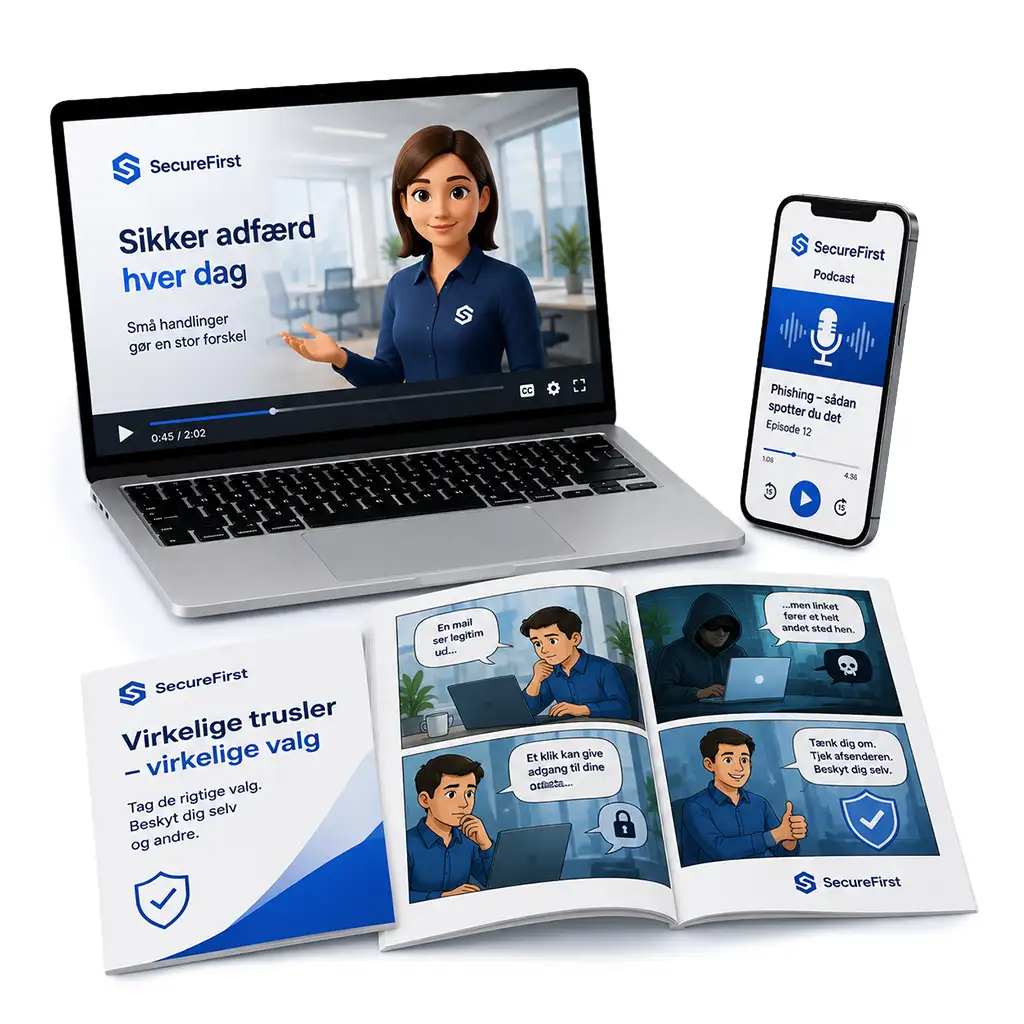
SecureFirst helps you make phishing training practical, measurable, and easy to document. You get realistic phishing simulations, awareness training, and reporting all in one place, so you can take a structured approach to both employee behavior and IT security.
With SecureFirst, you can:
- send automated phishing tests
- train employees using realistic emails
- provide immediate and constructive feedback
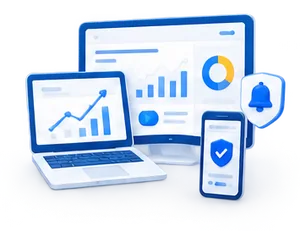
- track click-through rates and trends over time
- view results across the organization
- document these efforts for management, customers, insurance companies, or compliance
- combine phishing simulations with awareness training and data breach monitoring
Instead of just logging errors, we help you turn them into learning opportunities. This makes phishing an area you can monitor, improve, and document—without overburdening IT, HR, or management.
Book a demo or try ourphishing module for free.