












A QR code can make it quick to open a menu, pay for parking, or log in to a service. However, that same shortcut may hide a phishing link. This type of scam is called “quishing,” and it can lead employees to fake login or payment pages without the link’s address being visible in an email first.
For businesses, the most important countermeasure is not to ban QR codes. Employees must learn to treat a QR code as a link, verify the destination, and pause when a message urges them to act quickly.
What is quishing?
Quishing is a form of phishing in which the attacker uses a QR code to redirect the recipient to a malicious link. The name is a portmanteau of “QR” and “phishing.” The goal may be to steal login credentials, payment card information, or other sensitive data. In some cases, the destination may also attempt to trick the user into downloading malicious software.
A QR code is not dangerous in and of itself. It typically contains only data, often a web address. The risk arises when the code points to a fake website or triggers an action that the user has not verified. Therefore, a QR code should be treated the same way as an unexpected link in an email or text message.
Why quishing Can Be Hard to Detect
In a typical phishing email, an employee can often hover the mouse over a link to see the address. A QR code does not immediately reveal the destination. The recipient must scan the code, and this action often takes place on a cell phone rather than the work computer. This can make the company’s standard email filters and the employee’s visual checks less effective.
Quishing can also occur both digitally and physically. A code may be embedded in an email, a PDF, or a message, but it can also be placed on a poster, a parking meter, a package, or on top of a legitimate QR code. The U.S. Federal Trade Commission (FTC) has, among other things, warned about fake QR codes on parking meters and in unexpected packages.
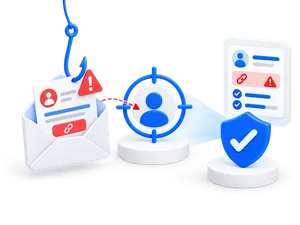
How a phishing attack works
- The attacker creates a plausible pretext. This could be a purported security update, a failed delivery, an invoice, a payment request, or a request to verify an account.
- The recipient is asked to scan a QR code. The code may be included in an email, an attachment, or on a physical sticker.
- The code opens a fake website. The page may look like Microsoft 365, a bank, a shipping company, or another service that the employee is familiar with.
- The page requests information or an action. The user may be asked to log in, authenticate via multi-factor authentication, make a payment, download an app, or enter card information.
- The information is used for malicious purposes. The attacker may attempt to take over an account, make payments, or use the compromised access in a follow-up attack.
Warning Signs Employees Should Be Aware Of
A phishing attempt may be professionally worded and use well-known logos. Spelling mistakes are therefore not a reliable indicator. Instead, consider the situation and the action the sender is trying to get you to take.
- The QR code appears unexpectedly or without a clear explanation.
- The message creates a time crunch or threatens closure, a fee, loss of access, or other consequences.
- The sender is asking for login credentials, payment information, a transfer, or approval of a multi-factor authentication request.
- The displayed web address contains spelling errors, extra words, an unknown domain, or letters that resemble other characters.
- A physical QR code appears to be a sticker placed on top of another code.
- The message asks the employee to switch from a familiar workflow to a QR code without giving a clear reason.
HTTPS and the padlock icon in the browser are not proof that the site is legitimate. They only indicate that the connection to that site is encrypted. Therefore, check the domain itself and the context before entering any information.
How to Scan QR Codes More Safely
- Check the link before opening it. Many phones display a preview of the address. Read the domain carefully, and close the preview if the address is not what you expected.
- Go to the service yourself. If the message is about an account, payment, or delivery, open the familiar app or type in the official web address manually instead of using the QR code.
- Verify unusual requests. Contact the sender using a phone number or channel you already know. Do not use contact information from the suspicious message.
- Never share codes or authorizations without exercising caution. Do not enter passwords, card information, or one-time codes, and do not authorize a multi-factor authentication request that you did not initiate yourself.
- Keep your phone and apps up to date. Security updates reduce the risk that known vulnerabilities could be exploited after a single click or download.
If an employee has scanned a fake QR code
Prompt internal reporting allows the IT department or the security officer to investigate the incident and alert others. The employee should not try to hide a mistaken click. The response depends on what happened after the scan.
If the page was only opened
- Close the page, and do not download any files or grant any permissions.
- If possible, take a screenshot of the message and the web address without visiting the page again.
- Report the incident according to the company's procedure so that the domain and the message can be investigated.
If information was entered
- Contact IT or the security officer immediately.
- Change the affected password on a device and at an address that you know is legitimate. Also change the password elsewhere if it has been reused.
- End any active sessions and check your account's multi-factor authentication settings, if your solution supports it.
- Contact your bank or card issuer immediately if your payment information has been compromised, and follow their instructions.
- Check your device if a file or app was downloaded or installed.
How Companies Can Prevent Phishing
Practice the specific behavior
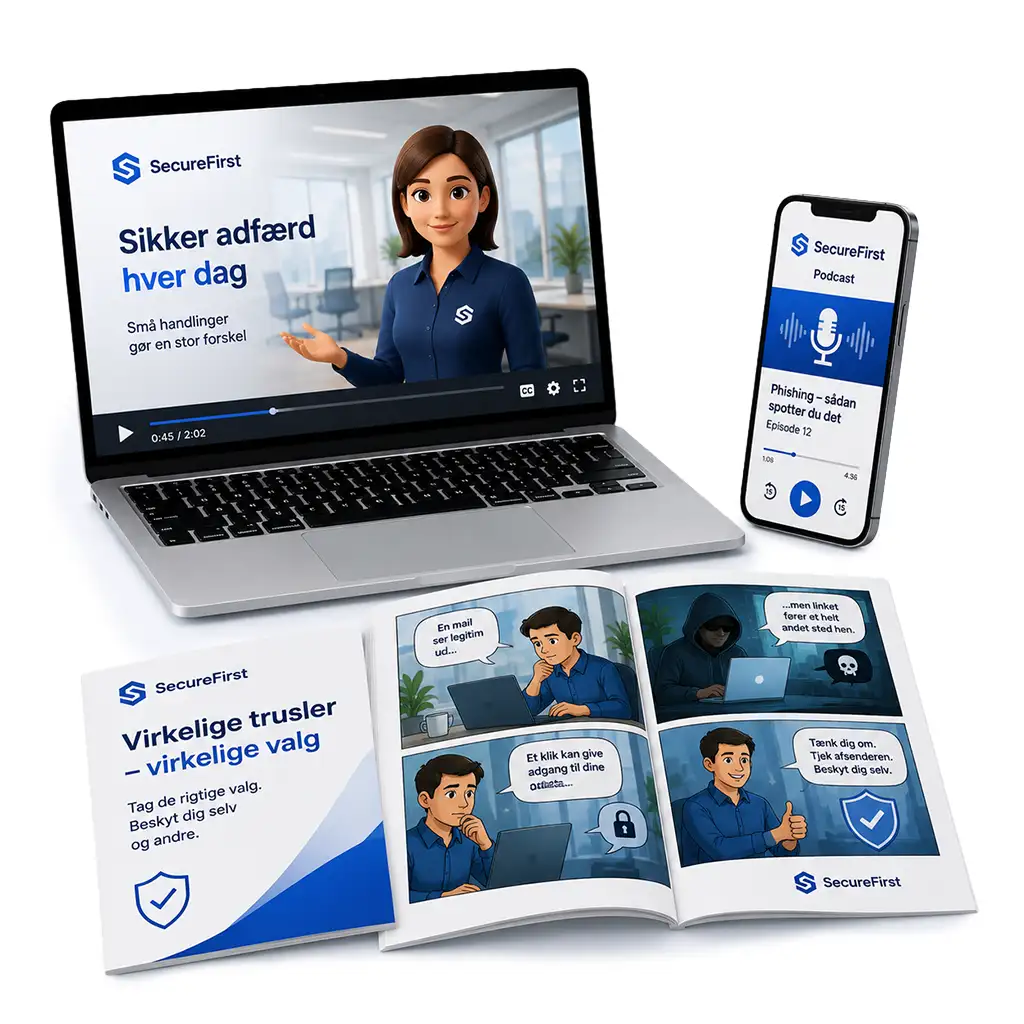
Awareness training should show employees that QR codes are links and provide them with a simple routine: check the address, assess the situation, use a familiar route to the service, and report any suspicions. The training should also cover mobile work situations, because QR codes often shift the action to the phone.
Make Reporting Simple
Employees need to know who to contact and what information the IT department needs. A clear reporting channel and a culture free of blame make it more likely that the company will be notified early on.
Protect Accounts and Devices
Multi-factor authentication, up-to-date devices, restricted privileges, and appropriate security controls can mitigate the impact of an attack. These controls do not replace employees’ judgment, because a fake page may also attempt to trick the user into authorizing a login or a payment.
Practice the response on an ongoing basis
Realistic phishing simulations and short training modules can be used to practice stopping, verifying, and reporting. The goal should be to improve behavior and speed up reporting, not to single out individual employees.
Read more about SecureFirst's awareness training and how phishing training works in practice.
Frequently Asked Questions About Quishing
"Quishing" is short for "QR code phishing." The attacker uses a QR code to hide a link and direct the recipient to a fake or malicious destination.
No. QR codes are a common technology for sharing information. The risk depends on what data the code contains, where it leads, and what action the user is asked to take.
A QR code may lead to a page that attempts to trick the user into downloading malicious software or exploiting a vulnerability. Therefore, you should keep your device up to date and reject any unexpected downloads or installations.
Use your phone's preview feature to check the web address before opening the link. Pay special attention to the domain name—look for spelling errors, extra words, and unfamiliar suffixes. If in doubt, open the official app or type in a known address manually.
Quishing is a form of phishing. The difference lies in the delivery method: In quishing, the destination is hidden within a QR code, while traditional phishing often uses a visible link or an attachment in an email or text message.
Make safe reactions a habit
Quishing exploits the trust and speed associated with scanning a QR code. Companies are better positioned when employees can recognize the pressure, verify the destination, and report suspicious codes quickly.
SecureFirst helps companies with awareness training and phishing simulations so that employees can practice safe behavior in situations that mirror their daily work. Book a demo and see how training and follow-up can be combined into a single platform.