






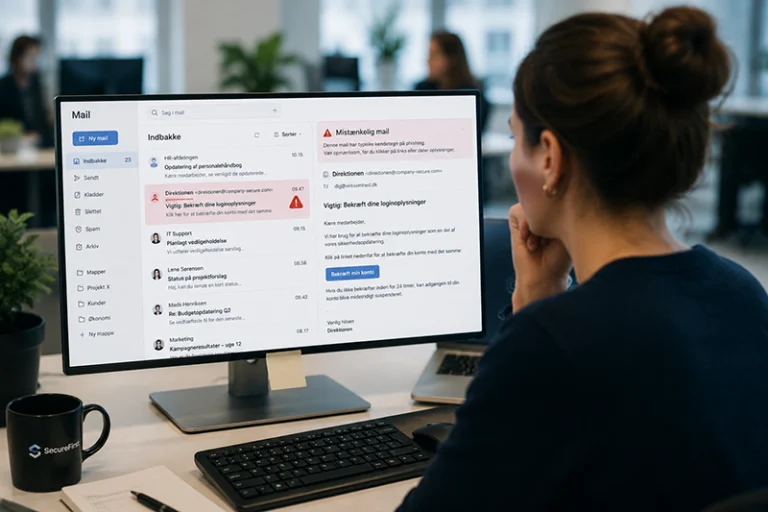
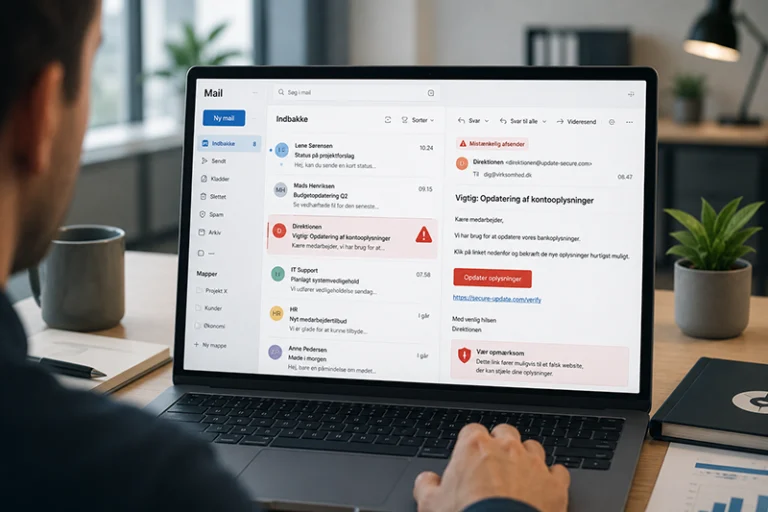
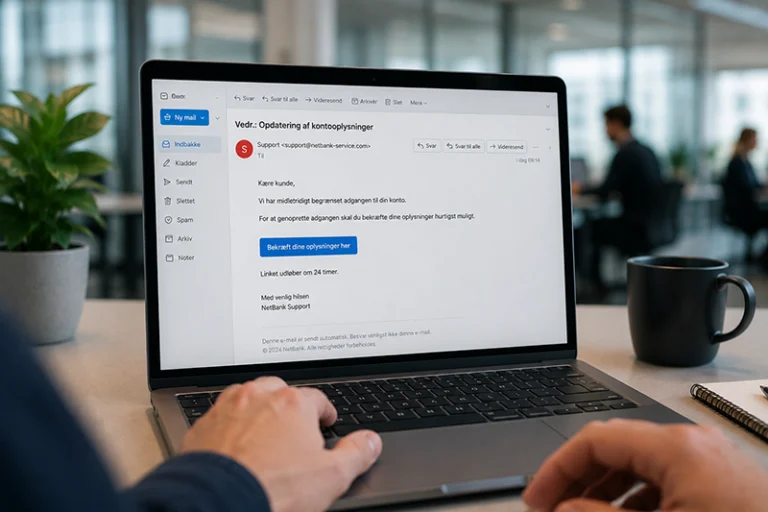

A single test provides a snapshot. Ongoing, relevant phishing simulations show how the risk evolves and give employees the opportunity to practice the correct response before a real email arrives.
Phishing emails aren’t dangerous simply because they look technically sophisticated. They become dangerous when they reach the right person at the right time with a credible message. This could be a fake invoice sent to the finance department, a message about pay or vacation sent to HR, or a Microsoft 365 email asking an employee to approve a login.
Technical filters, multi-factor authentication, and sound procedures are important layers of defense. However, some messages will still reach employees. Therefore, the company should also provide training on the behavior that determines whether a suspicious email is opened, reported, or forwarded for review.
A phishing test highlights this risk in a secure environment. It can reveal which scenarios are convincing, where the reporting process is unclear, and which teams need more relevant training. However, the value does not lie in simply counting clicks. The value comes when the company uses the results to improve people, workflows, and technical controls.
What is a phishing test?
A phishing test, also known as a phishing simulation, is a controlled exercise in which employees receive realistic but harmless emails. The purpose is to train them to recognize and handle phishing attempts while also giving the company a better understanding of its current risk.
A good simulation replicates the situations employees actually encounter. It doesn’t just test whether someone clicks on a link. It also examines whether employees pause to check the sender and domain, follow company procedures, and report the email promptly.
The Consequences of Relaxing Phishing Tests
When phishing training becomes an annual formality or disappears from the calendar altogether, a false sense of security can easily set in. A company may have robust technical solutions in place but still lack an answer to a crucial question: Do employees know what to do when a convincing fake email slips through?
A single wrong click does not automatically mean a security breach. But it can pave the way for stolen login credentials, fraudulent payments, malware, data breaches, or operational disruptions. The consequences can affect customers and suppliers and require time for investigation, recovery, and communication.
There is also a more subtle consequence: The company is constantly losing insight. New employees join, roles change, and attackers’ methods evolve. If you don’t test, you won’t know whether lessons learned in the past are still relevant or whether your reporting procedures work in practice.
Test regularly and make sure each test is relevant
Safe behavior isn’t created by a single large-scale campaign. It is built through brief, repeated encounters with realistic situations and clear feedback. Ongoing tests give employees the opportunity to practice, while the company can track progress over time.
The frequency should be tailored to the company’s risk profile, size, and resources. For some, monthly, automated simulations will be appropriate. For others, a different frequency may be more realistic. The important thing is that the training is repeated, varies in difficulty, and is adjusted based on the results.
Also, remember that the test must be conducted responsibly. SikkerDigital recommends testing the organization as a whole rather than singling out individual employees. The goal should be learning and risk reduction, not setting a trap for specific individuals.
The click-through rate isn't the whole story
The click-through rate is easy to understand, but it cannot stand alone. A complex and highly targeted email will naturally yield a different result than a simple, generic test. NIST therefore recommends that you also assess the email’s complexity and the context in which the employee encounters it.
Therefore, look at several behavioral indicators: How many people report the email? How quickly is it reported? Are there specific scenarios or employee groups that require follow-up? Can employees find the correct reporting channel? And does the same type of error recur in the next relevant test?
How to Act on the Results
A dashboard is just the beginning. After each campaign, the person in charge should evaluate the results, agree on specific actions, and follow up to see if they’re working.
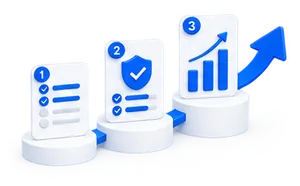
| Step | Plot | Practical significance |
| 1 | Set a clear goal | Decide in advance whether the test should measure a baseline, train a specific behavior, or monitor a known risk. |
| 2 | Read the results in context | Compare click-through rates and reporting metrics with the scenario's difficulty level, employee roles, and previous campaigns. |
| 3 | Provide quick feedback | Explain the specific warning signs mentioned in the email while the situation is still fresh in your mind. |
| 4 | Tailor the follow-up | Use short training modules or new simulations for the topics and groups where the need is greatest. |
| 5 | Improve the process | If employees are unsure of where to report an issue, that is also a procedural problem that the company must resolve. |
| 6 | Measure Progress | Compare data over time, and track both risky behavior and desired behavior. An increase in the reporting rate can be at least as important as a decrease in clicks. |
From generic emails to training tailored to the job
Generic phishing emails can help train basic awareness. However, a company’s risk is rarely the same for everyone. An accounting staff member faces different threats than a developer, an HR employee, or a manager. That’s why training becomes more relevant when the scenarios take into account roles, systems, and workflows.
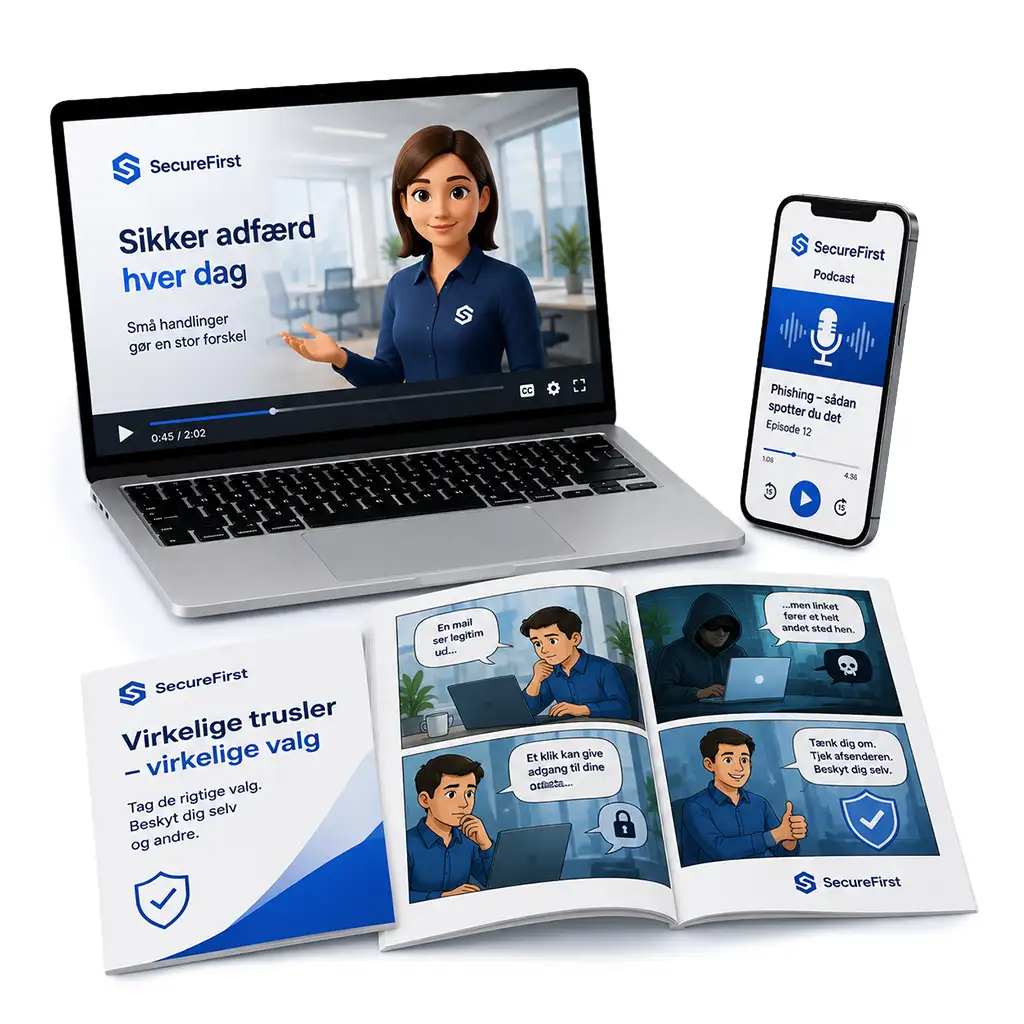
SecureFirst’s platform can automate ongoing phishing simulations with various scenarios and levels of difficulty. When more targeted training is needed, SecureFirst develops customized spear-phishing simulations based on the company’s employee groups, applications, workflows, and the phishing or spam emails the company actually receives.
This could be, for example, an invoice or payment email sent to the finance department, an HR-related message, or a fake login email that resembles a system employees use on a daily basis. Employees are thus presented with a realistic scenario in a secure environment, and the company gains a more useful foundation for its next training initiative.
The best phishing test drives action
Phishing tests are not meant to prove that employees can make mistakes. We already know that everyone can. The tests are meant to help the organization become better at detecting, reporting, and handling suspicious communications.
This requires a consistent schedule, relevant scenarios, and clear follow-up. When you actively use the results, phishing simulations become not just a compliance exercise, but a means of continuously improving your company’s security practices.
Frequently Asked Questions About Phishing Tests
There is no one-size-fits-all schedule. Conduct tests frequently enough to ensure that learning is maintained, and adjust the frequency to match your risk profile, employee groups, and resources. SecureFirst’s standard solution can send out automated, monthly simulations, while targeted campaigns can be planned based on specific needs.
The employee should receive prompt and specific feedback regarding the red flags in that particular email. The feedback should be used for appropriate follow-up, not to shame the employee. Recurring patterns may indicate a need for more training, a simpler reporting process, or stronger technical controls.
Yes, if the goal is to train employees in basic, common behaviors. However, role-based and customized scenarios provide a more accurate picture of the situations that different employees encounter. Finance, HR, IT, and management typically have different workflows and areas of vulnerability.
Make your next phishing test more relevant
Would you like to see how ongoing phishing simulations and customized scenarios can be tailored to your business? Book a demo of SecureFirst or try the phishing module with no obligation.