
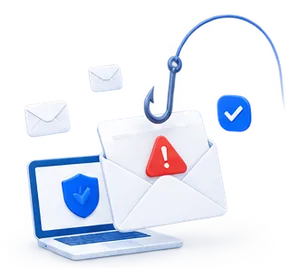
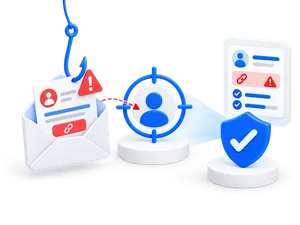


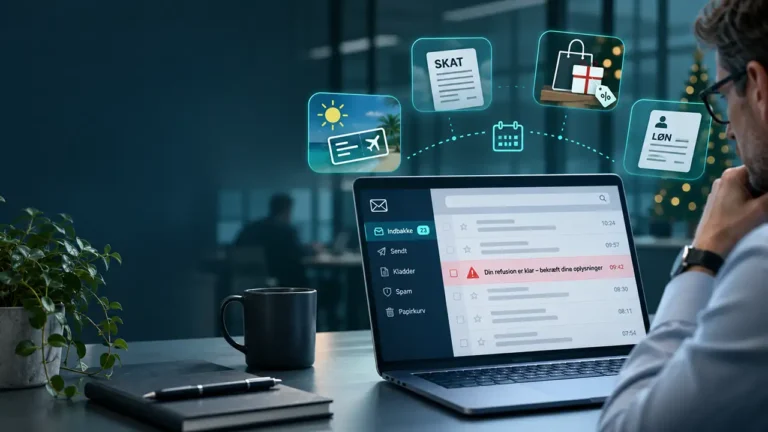


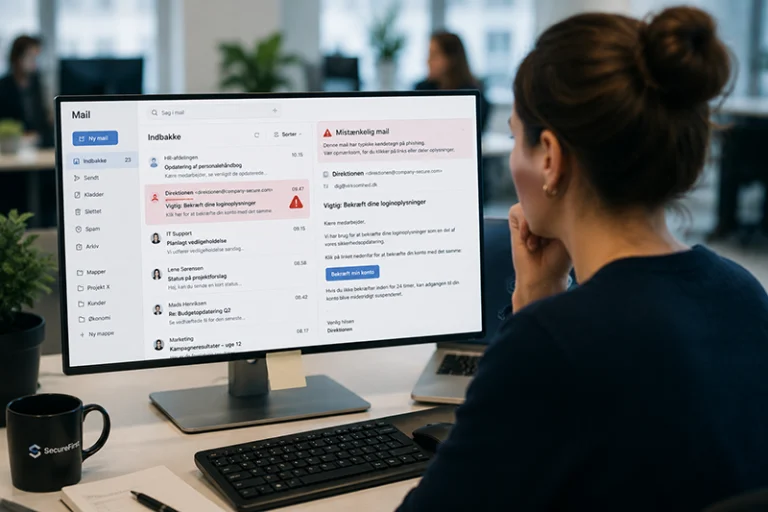
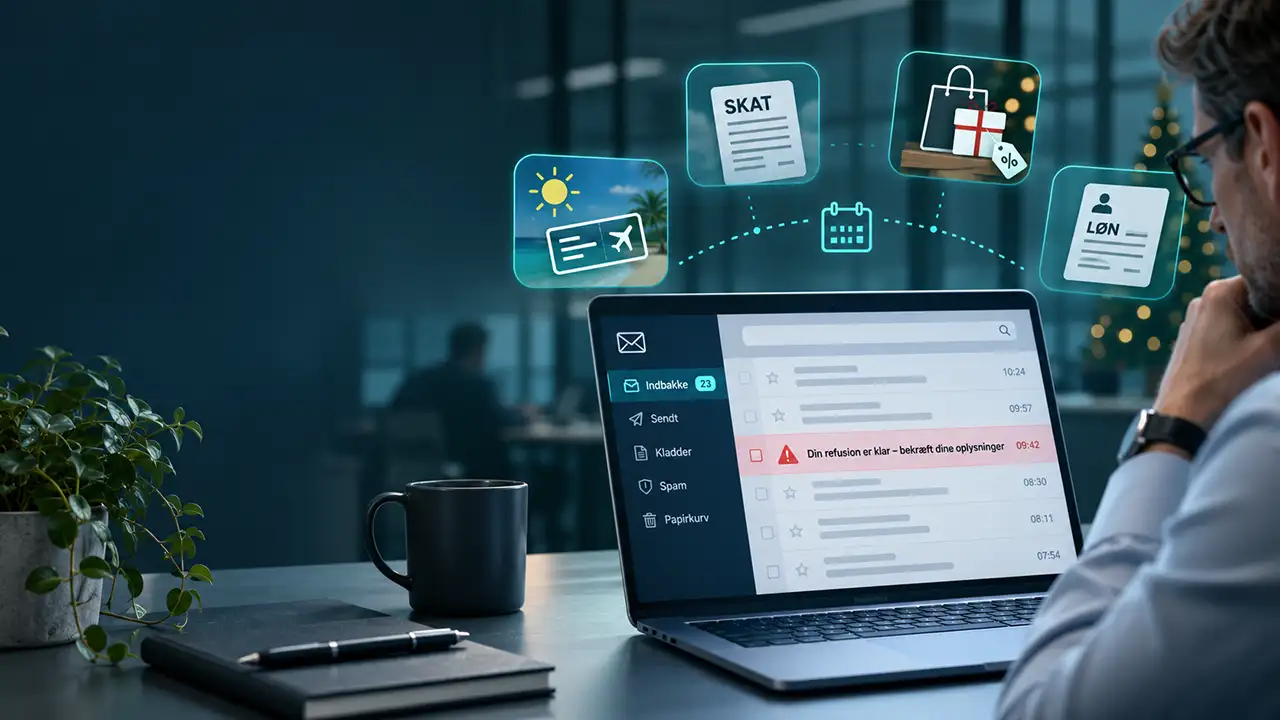
Phishing emails don’t just appear out of the blue. Cybercriminals often take advantage of specific times of the year when our attention is focused on everything from vacation plans and holiday shopping to year-end tax returns and important messages from work.
Phishing occurs year-round, but special events and seasons provide scammers with prime opportunities to make their attacks seem more credible.
This means that a phishing email that seems suspicious in January may appear completely normal in November.
It is therefore important for companies to be aware of the times when employees may be particularly vulnerable to certain types of phishing.
Why do phishing attacks follow the calendar year?
Phishing is largely about influencing people's behavior.
Scammers try to get the recipient to respond quickly, often by exploiting curiosity, fear, expectations, or time pressure.
It's easier when a fake message fits in with what the recipient is already expecting.
For example, an email about a delayed package delivery will seem more relevant in the middle of the Christmas shopping season than on a typical workday in February.
And an announcement regarding changes to the employee bonus plan may seem credible during a period of salary adjustments and year-end closing.
It is precisely this connection between timing and credibility that makes seasonal phishing something to watch out for.
Four times of year when phishing requires extra caution
Phishing Follows the Events of the Year
Periods during which cybercriminals typically exploit current events and anticipated announcements.
-
Taxes and Annual Tax Return March–May
-
Summer Vacation and Executive Fraud June–August
-
HR, Payroll, and Bonuses July–December
-
Black Friday and Holiday Shopping November–December
The illustration shows typical seasonal phishing themes, not measured attack levels. Phishing occurs year-round.
Sources: The Danish Data Protection Agency, The Danish Tax Agency, Cofense, and Kaspersky.
1. Black Friday and Christmas shopping in November and December
When the holiday shopping season begins, the number of order confirmations, delivery notifications, and promotional offers in our inboxes increases.
This creates ideal conditions for scammers trying to hide fraudulent messages among the many legitimate emails.
Typical phishing attempts include:
- Fake messages from shipping companies regarding unpaid bills.
- Order confirmations for items the recipient never purchased.
- Offers from fake online stores that impersonate well-known companies.
- Notifications about packages that require action in order to be delivered.
Although many of the messages are intended for individual consumers, they may also end up in companies' inboxes.
At the same time, the busy period at the end of the year may mean that employees have less time to review suspicious inquiries.
2. The annual report in March and April
When the annual tax statement becomes available, many Danes expect to receive information from the Danish Tax Agency.
Cybercriminals know that, too.
Fraudsters can therefore send fake emails that are designed to look like official communications from the tax authorities.
For example, the messages may claim that the recipient is owed money or that information needs to be updated to avoid problems.
The goal is often to trick the recipient into revealing personal information, payment details, or login credentials.
Important: The Danish Tax Agency does not request bank or credit card information via email or text message. If you are unsure, you should visit skat.dk yourself instead of clicking on a link in the message.
3. Summer vacation from June to August
Summer vacation can pose unique challenges for corporate information security.
Many employees are on vacation, others are temporarily taking over their duties, and the usual approval procedures may be more difficult to follow.
Scammers may try to take advantage of this.
One example is CEO fraud, in which an employee receives an apparently urgent message from a manager who is supposedly on vacation.
The message may include a request to pay an invoice, update payment information, or transfer funds.
When the usual point of contact is unavailable, it can be more difficult to verify whether the inquiry is legitimate.
The Danish Data Protection Agency has also highlighted the holiday season as a time when companies should be especially vigilant against digital fraud.
4. HR, Payroll, and Year-End Closing in the Third and Fourth Quarters
Phishing emails do not necessarily have to look like messages from outside companies.
They may also pretend to be from the company's own HR department.
During periods of salary adjustments, performance reviews, bonus programs, and organizational changes, such messages may seem particularly relevant.
In an analysis of HR-related phishing attacks from 2024 and 2025, the cybersecurity firm Cofense has identified a trend toward an increase in this type of attack in the third and fourth quarters.
Among other things, the scammers exploit messages regarding salary changes, employee benefits, HR policies, and terminations.
What these attacks have in common is that they attempt to elicit an emotional reaction or a sense of urgency to act quickly.
How to Spot Seasonal Phishing Emails
Although phishing emails can cover a wide variety of topics, there are a number of recurring warning signs.
An unexpected action is required
You are asked to confirm information, open a document, or make a payment that you weren't expecting.
The message is intended to create a sense of urgency
Phrases such as “act within 24 hours” or “your account will be closed” are used.
The sender claims to be a well-known organization
The name and logo may look genuine, even if the email address or the link's destination does not belong to the organization.
Payment information needs to be updated
An apparently legitimate invoice is followed by new account information or an unusual payment request.
The message deviates from standard procedures
A manager or coworker asks you to do something that normally requires a different type of approval.
It's important to remember that modern phishing emails don't necessarily contain spelling mistakes or poor grammar. A professionally written email can also be a scam.
How do companies protect themselves against seasonal phishing?
It is not enough to simply warn employees before Christmas or summer vacation.
Phishing is constantly evolving, and attacks are tailored to both current events and each company’s specific workflows.
Therefore, companies should focus on three areas.
Ongoing awareness training
Employees need to understand how phishing works and how they should respond to suspicious communications.
The training must be practical and relevant to the situations employees encounter in their day-to-day work.
Realistic phishing simulations
By sending out harmless phishing tests, the company can train its employees to recognize attacks in real-world situations.
For example, the simulations might be based on fake delivery notifications, HR emails, or requests to log in to Microsoft 365.
Clear Internal Security Procedures
Employees need to know how to check for suspicious messages and who to contact if they have any doubts.
In particular, changes to payment information and unusual transfers should be verified through an independent communication channel.
Frequently Asked Questions About Phishing
Phishing occurs year-round, but scammers often take advantage of periods such as summer vacation, Black Friday, the holiday shopping season, and tax filing season. Internal events such as salary adjustments and year-end closing can also create opportunities for targeted attacks.
Black Friday and the holiday shopping season provide cybercriminals with an opportunity to send out fake promotional offers, order confirmations, and delivery notifications. Security studies show that seasonal fraud attempts pose a significant threat during this period.
Companies can combine awareness training with realistic phishing simulations. This gives employees the opportunity to practice recognizing suspicious messages and learn from their reactions.
It is beneficial to conduct phishing tests on an ongoing basis rather than just once a year. Regular tests can also provide the company with insight into how employees’ responses are evolving and the need for additional training.
Phishing doesn't take a break between peak seasons
Cybercriminals adapt their methods to the situations we find ourselves in.
That’s why protecting yourself against phishing isn’t just about recognizing individual suspicious emails, but about developing good security habits that work all year round.
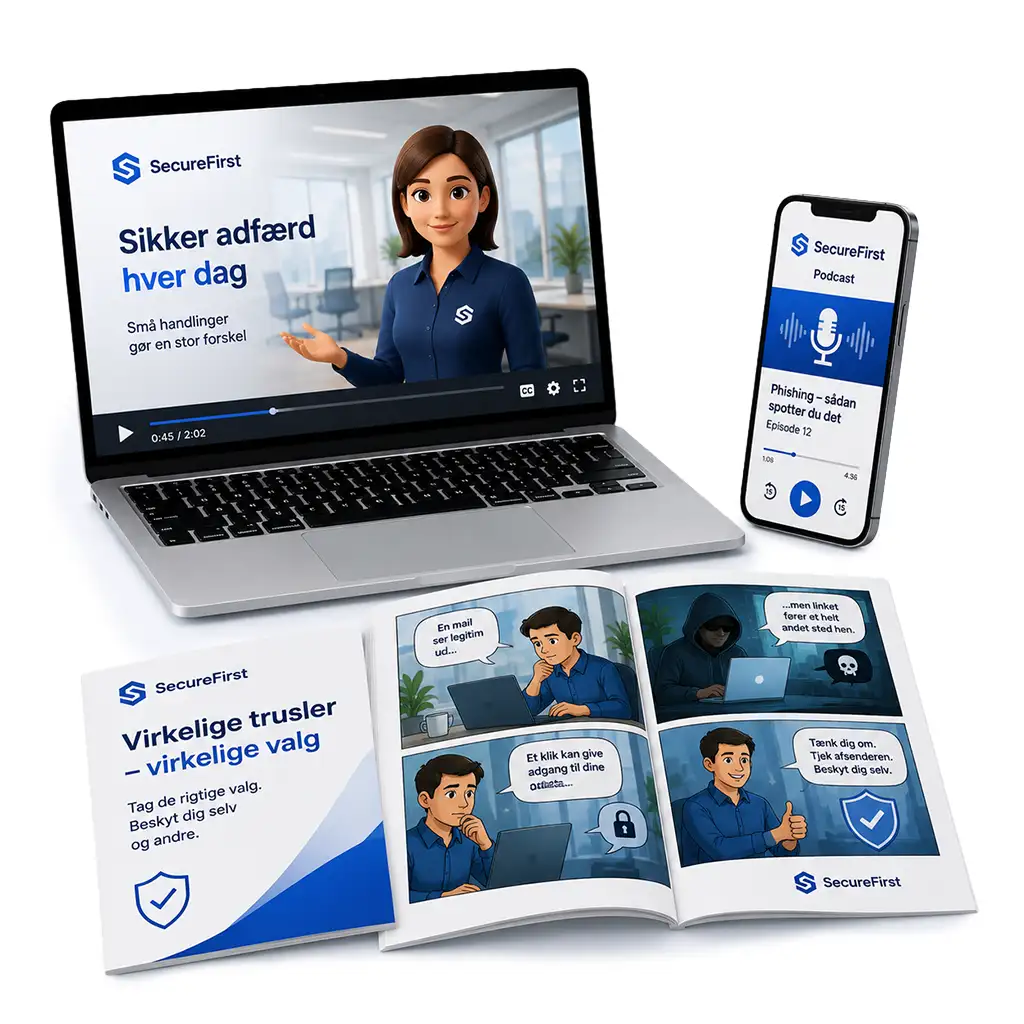
At SecureFirst, we help companies improve employee awareness through awareness training and realistic phishing simulations.
With automated phishing tests, immediate feedback, and clear reporting, you can track progress and take a targeted approach to your company's security.
Are you ready to test how well your employees can spot phishing?