




Spam and phishing are often confused because both typically end up in your inbox. But the difference is important.
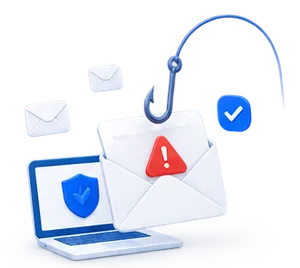
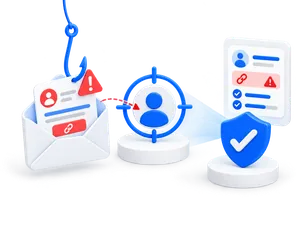
Spam is usually unsolicited bulk mail. Phishing is an attempt to trick the recipient into clicking a link, sharing information, opening files, or granting access to systems.
For businesses, phishing is therefore a far greater risk than ordinary spam. A phishing email may appear to be a message from a supplier, Microsoft 365, a bank, HR, or a colleague. If an employee clicks on the link, it can lead to the misuse of login credentials, data breaches, or unauthorized access.
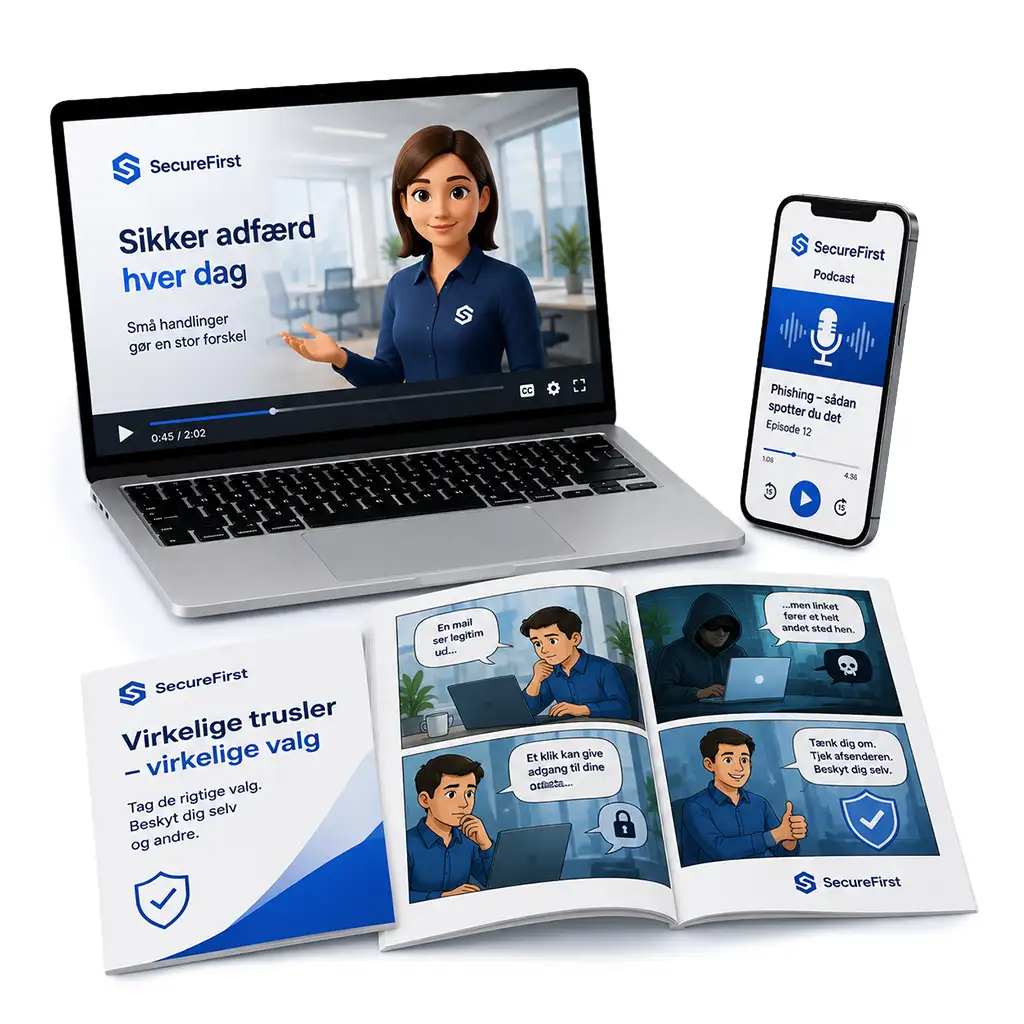
We help companies train their employees to recognize phishing through realistic phishing simulations, awareness training, and reporting.
What is spam?
Spam is unsolicited messages that are typically sent to many recipients at once.
It could be:
- advertisements
- promotions
- irrelevant offers
- unsolicited newsletters
- automated messages
- bulk emails from unknown senders
Spam is often annoying and time-consuming. In some cases, spam may also contain malicious links or files, but its primary purpose is typically widespread distribution. Spam is digital noise. Phishing is manipulation.
What is phishing?
Phishing is an attempt to trick the recipient into taking a certain action.
It could be that:
- click on a link
- Enter your username and password
- open an attachment
- approve a payment
- share confidential information
- provide access to systems
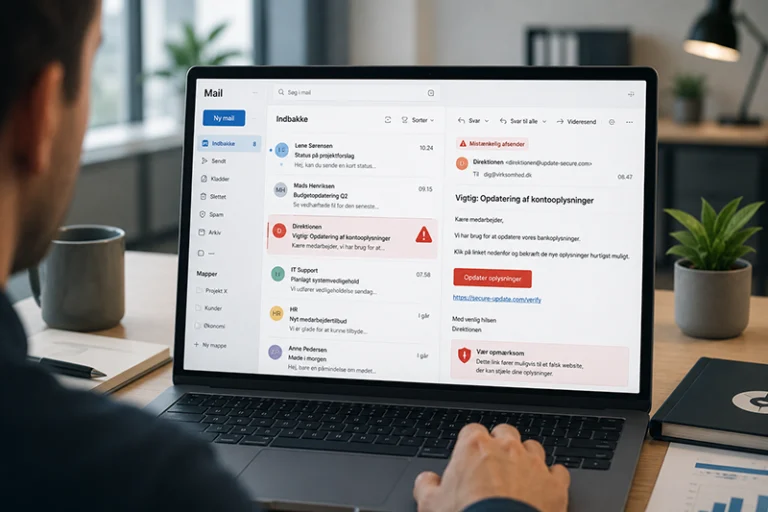
Phishing emails can appear very credible. They may look like messages from well-known companies, government agencies, banks, suppliers, or internal departments. The goal is to get the recipient to respond quickly without pausing to consider whether the message is genuine.
Spam vs. Phishing – What's the Difference?
| Area | Spam | Phishing |
| Purpose | Generate awareness, traffic, or sales | Trick the recipient into taking action |
| Targeting | Often sent in bulk | Can be mass-mailed or targeted |
| Risk | Often lower, but can be harmful | May lead to data breaches, fraud, or unauthorized access |
| Typical content | Advertisements, special offers, newsletters | Login links, fake invoices, attachments |
| What should you do? | Delete, filter, or unsubscribe | Stop, verify, and report |
In short: Spam clutters your inbox. Phishing tries to get you to click.
What does a phishing email look like?
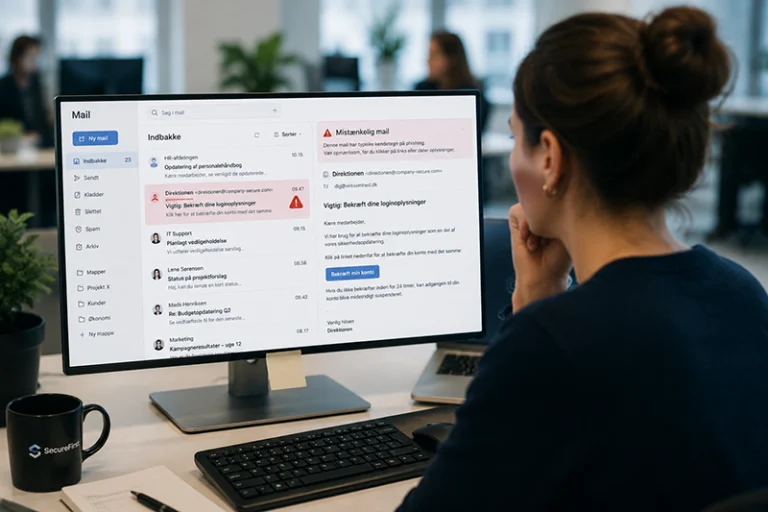
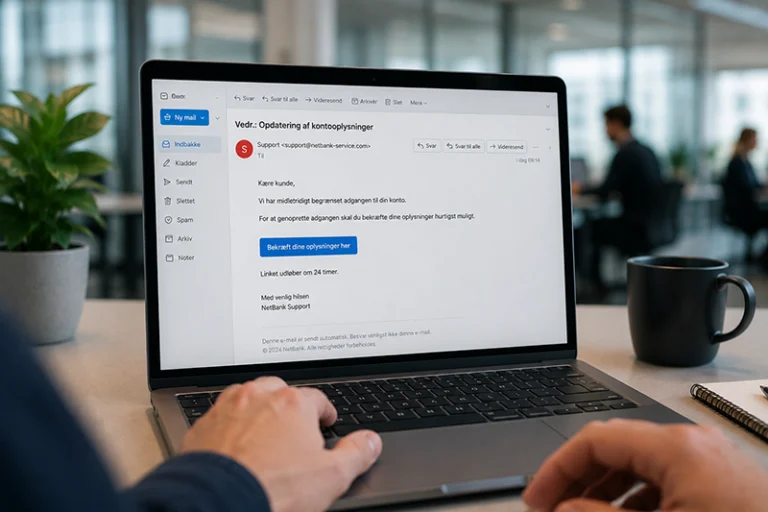
A phishing email can look like a regular everyday message.
Typical examples include:
- “Your Microsoft 365 subscription expires today”
- “You have a package that hasn’t been paid for”
- “New invoice for approval”
- “Your account has been temporarily locked”
- “HR has shared a document with you”
- “Verify your MFA access”
The problem is that many phishing emails no longer contain spelling mistakes. They can be grammatically correct, visually convincing, and tailored to everyday work situations. That is why it is important for employees not only to learn the theory but also to practice using realistic examples.
Common signs of phishing
When evaluating an email, you should pay particular attention to:
- sender addresses with minor discrepancies
- links that lead somewhere other than expected
- messages that create a false sense of urgency
- unexpected attachments
- requirement for login credentials
- unusual payment requests
- messages that do not fit into the normal workflow
- senders that do not match the content
A good question to ask is: “Was I expecting this email?”
If the answer is no, you should pause and verify the message through another channel.
Why is phishing dangerous for businesses?
Phishing is dangerous because it targets employees in everyday work situations. An employee might be in a hurry, checking their phone, or dealing with a large number of emails at once. If a fake email looks like a legitimate message, a single click can be enough to create a risk.
Phishing can lead to, among other things:
- compromised login credentials
- unauthorized access to systems
- data breach
- invoice fraud
- misuse of email accounts
- loss of customer trust
- increased pressure from cyber insurance or compliance
That is why phishing is not just an IT problem. It is also about behavior, culture, training, and documentation.
What is a phishing simulation?
A phishing simulation is a secure test in which employees receive realistic but harmless phishing emails. The purpose is to train employees to recognize fake emails in real-world situations.
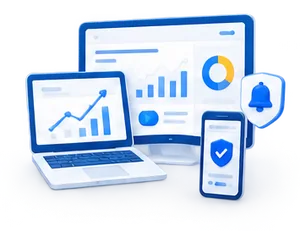
If an employee clicks on a test email, no harm is done. With our platform, the employee receives immediate feedback explaining the red flags in the email and what to look out for next time. At the same time, the company gets an overview of click-through rates, trends, and the need for additional training.
How does SecureFirst help?
SecureFirst helps companies make phishing training practical and verifiable.
With SecureFirst, you can:
- send realistic phishing tests
- train employees using specific email scenarios
- provide immediate feedback upon clicking
- track click-through rates and trends in the dashboard
- combine phishing simulations with awareness training
- document progress to management, clients, the board of directors, or the insurance company
This makes it easier to move from general advice to specific training that can be measured and tracked over time.
Make phishing training practical
Spam and phishing are often confused, but the difference is important. Spam is typically unwanted clutter in your inbox. Phishing is an attempt to trick employees into clicking on links, sharing information, or granting access to systems.
That is why companies should not rely solely on technical filters. Employees must also be trained to recognize warning signs in real-world situations.
With our phishing simulation, you can send realistic test emails, provide employees with immediate feedback, and track progress in a single dashboard. This makes phishing training more practical, more focused on learning, and easier to document over time.